WishWin Registration and KYC: Account Setup and Verification
 Available in AU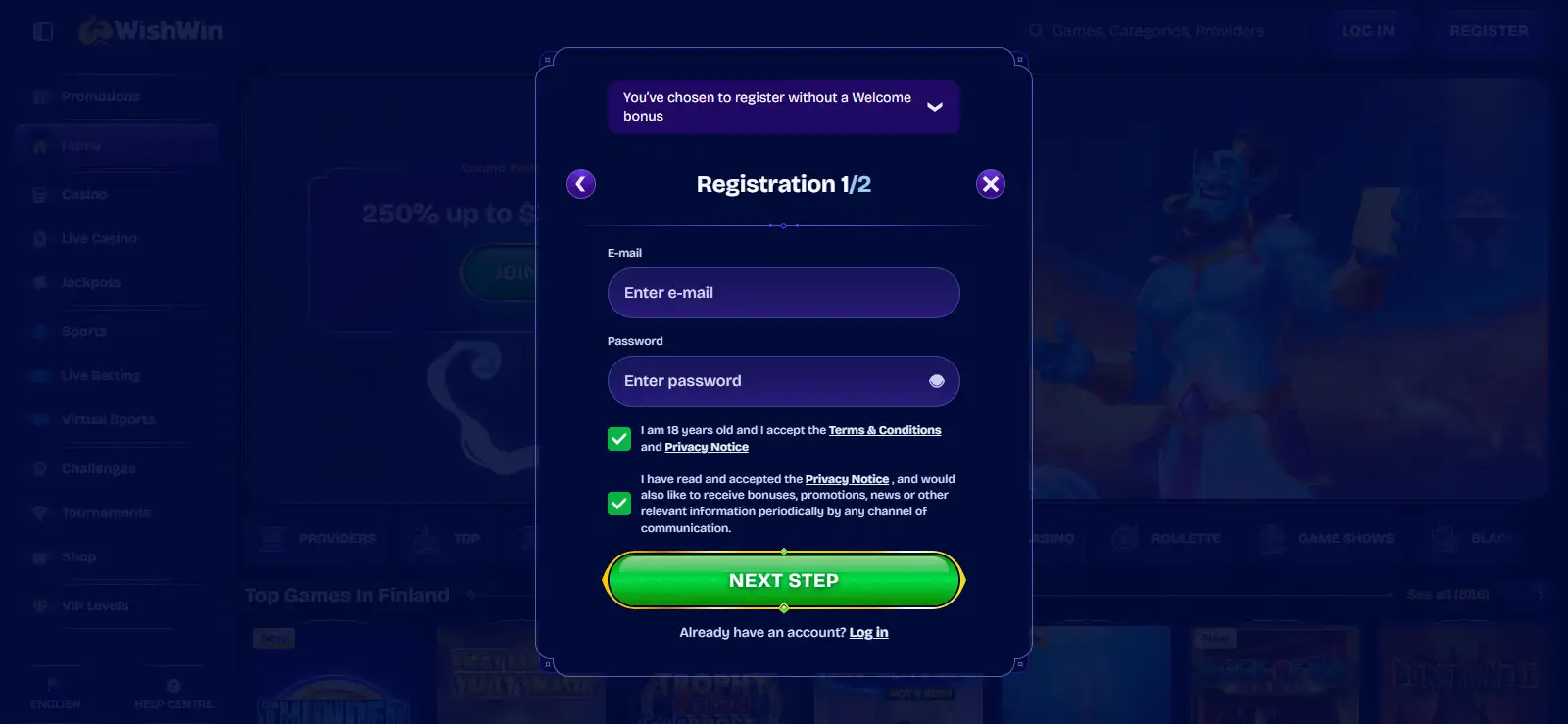
WishWin registration starts from the site’s Register or Join Now control. On the current Australia-facing page, the basic flow is to enter an email address, username and password, then confirm the account through the verification link sent by email. WishWin’s current general English account guide adds that registration can also request personal details such as name, date of birth and a preferred currency. The same official material says account verification is required for relevant account and payment functions.
KYC is therefore best treated as part of account readiness, not as a surprise step that appears only when money is withdrawn. WishWin currently says verification can involve ID, proof of address and proof of the payment method, and says most submissions are reviewed within 24-48 hours. Those are current official statements rather than generic casino assumptions, but they can change with the operator’s procedures, so the live account instructions remain the controlling checklist.
Table of Contents
- How to register at WishWin
- What WishWin KYC currently asks for
- How long does WishWin verification take?
- Why KYC matters before a withdrawal
- Account details should match the documents you use
- Age and account eligibility
- Registration security checks worth doing yourself
- What to do if registration or KYC gets stuck
- Registration checklist before you deposit
- WishWin registration FAQ
How to register at WishWin
The shortest verified route begins on the WishWin AU site. Select Register or Join Now and complete the fields shown on the form. The AU-facing content identifies email, username and password as the core inputs, followed by email confirmation. WishWin’s general English account material describes a fuller registration profile that can include name, date of birth, other personal details and currency selection before the user accepts the terms and confirms the email address.
Those two descriptions are not necessarily contradictory. Registration forms can vary by location, device, session state or rollout version, and some details can appear in a later profile step. The practical rule is to enter the information requested on the live form accurately rather than trying to force an older checklist onto a current screen.
- Open the official WishWin site and choose Register or Join Now.
- Enter the account credentials and personal details requested by the live form.
- Use an email address you control, because confirmation is part of the documented setup flow.
- Create a strong, unique password and store it securely.
- Read the current terms before accepting them.
- Open the confirmation message and follow the email verification link.
- Complete any identity or payment verification requested before relying on the account for withdrawals.
If you intend to use the site on a phone, the same account can be used through the browser. The separate mobile experience page explains that browser-first setup in more detail.
What WishWin KYC currently asks for
WishWin’s current general English page gives a specific verification checklist: clear copies of identification, proof of address and proof of the payment method. Because these details are stated on the current official site, they can be described directly here rather than reduced to a vague statement that “documents may be required.”
| Verification area | Current official WishWin description | Why it matters operationally |
|---|---|---|
| Identity | Clear copy of ID | Connects the account to the person using it and supports age and identity checks. |
| Address | Proof of address | Supports the personal details recorded on the account. |
| Payment method | Proof of payment method | Helps connect funding or cashout activity to the account holder. |
The live upload screen should always take priority over this summary. A document type can be accepted, rejected or requested differently depending on legibility, expiry, matching details and the payment method involved. This page does not invent extra items such as selfies, notarised copies or source-of-funds documents unless WishWin asks for them in the actual account process.
Before uploading documents, compare the account profile with the identity, address and payment details you intend to verify. A mismatch is easier to correct before a withdrawal request than after a review has started. If WishWin asks for a clearer or updated file, address that specific request instead of sending unrelated documents that do not resolve the mismatch.
How long does WishWin verification take?
WishWin’s current official English account guide says most verification submissions are checked within 24-48 hours. That is the operator’s present published expectation, not a guarantee that every case will finish inside that window. A review can take longer when documents are unclear, account details do not match, additional information is needed or a payment-related check remains unresolved.
It is useful to separate “submitted” from “approved.” Uploading a document only starts the review. Until the operator confirms that verification is complete, payment functions can remain restricted. WishWin also states that unverified accounts can face limits on deposits or withdrawals until the process is finished.
If verification takes longer than expected, the strongest next action is not to create duplicate accounts or resubmit random files. Check the account messages first, confirm that the uploaded images are readable and use the operator’s support channel if the status is unclear. WishWin’s current support information lists live chat as available 24/7.
Why KYC matters before a withdrawal
Verification becomes especially important when an account moves from play to cashout. The current WishWin account material explicitly links unverified status with possible deposit and withdrawal restrictions. That makes KYC a practical part of withdrawal preparation rather than a purely administrative formality.
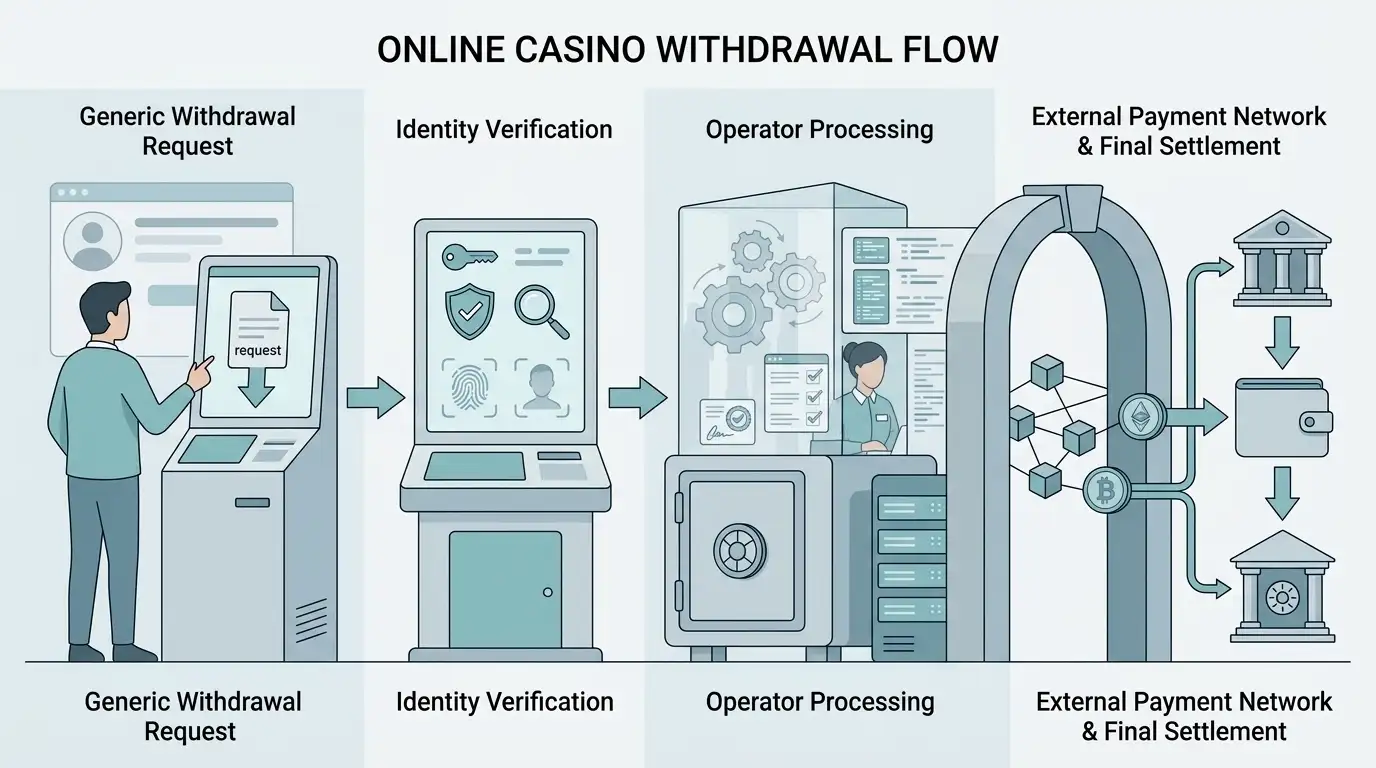
A useful sequence is to complete the account details, confirm the email address, respond to verification requests and only then treat the cashier as fully ready for a withdrawal request. The dedicated WishWin withdrawals page explains the later stages, including request submission, security review and external payment settlement.
This sequencing can also reduce confusion about where a delay sits. If the account is still waiting for identity approval, the issue is verification. If verification is complete and a cashout is under review, it is a withdrawal-processing issue. If WishWin has released funds but the bank or network has not credited them, the delay is outside the operator’s internal review stage.
Account details should match the documents you use
The registration form is not the place to use approximate personal details. If the account name, date of birth, address or payment ownership data later conflicts with verification evidence, the operator has to reconcile the mismatch before treating the profile as verified. That can create avoidable friction at the exact point where a player wants to withdraw.
Use your own email address and payment method, keep the spelling of personal details consistent, and update the account through the proper settings or support process if something genuinely changes. Do not solve a mismatch by opening another account. WishWin’s current official FAQ states that each player is limited to one account.
Accurate account data also matters for password recovery and security. A registration guide that focuses only on how quickly the form can be completed misses the more important issue: whether the resulting account can later be verified and recovered without conflicting information.
Age and account eligibility
WishWin’s AU page states an 18+ requirement and says it uses verification processes to confirm age. The site also says registration can fail if a user is under 18, already has an account or is in a restricted jurisdiction. Eligibility and account restrictions should be checked against the current terms shown for the individual account.
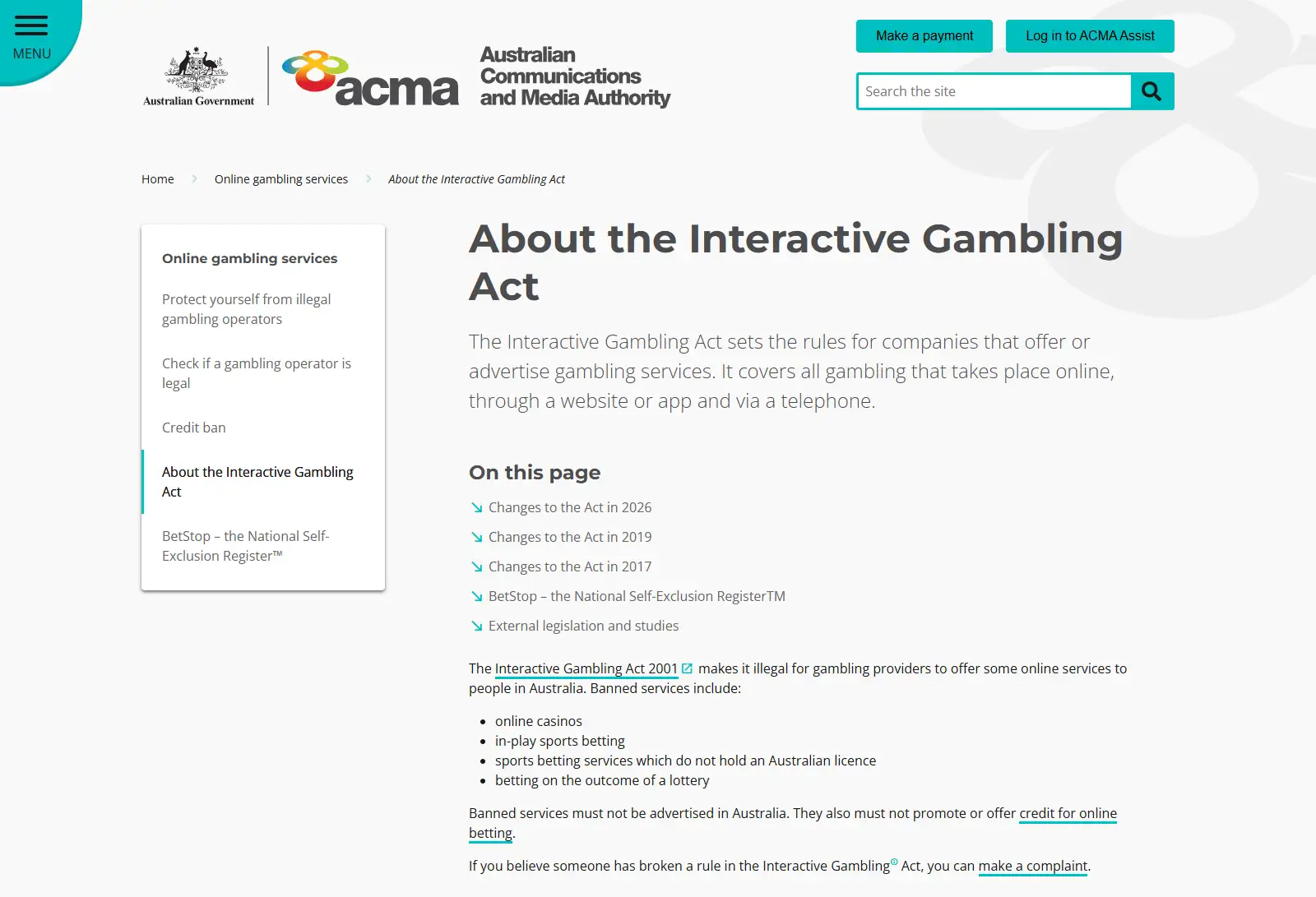
Australian regulatory context is covered separately on the WishWin licence and Australian rules page, keeping this guide focused on registration and verification.
Registration security checks worth doing yourself
A secure account begins with choices the user controls. Use a unique password that is not reused on email, banking or other gambling accounts. Protect the email address linked to WishWin with its own strong password and multi-factor authentication where available, because email confirmation and password recovery can make that inbox a route back into the account.
WishWin’s general English page mentions two-factor authentication as an additional security option. If that control is presented inside your account, enable it and store recovery information safely. Also avoid installing unofficial mobile packages or following login links from unsolicited messages. The verified mobile route described by WishWin is browser access, so there is no need to install an unverified APK merely to use the service on a phone.
What to do if registration or KYC gets stuck
Start by identifying the exact stage. If no confirmation email arrived, check the address entered and the spam folder. If the account exists but verification is pending, review the upload status and any message asking for a clearer file or updated information. If a document was rejected, correct the specific problem instead of repeatedly uploading the same unreadable image.
For unresolved account issues, WishWin’s support information lists live chat, with current WishWin support information listing 24/7 availability. Keep the conversation focused on the account status and avoid sending sensitive identity files through a channel unless the operator specifically directs you to a secure upload route.
Registration checklist before you deposit
- Use an email address and personal details that belong to you.
- Confirm the email address before treating the account as complete.
- Read the current terms rather than relying on older review images.
- Prepare the current official KYC categories: ID, proof of address and proof of payment method.
- Expect the published verification window to be 24-48 hours for most submissions, while recognising that individual reviews can take longer.
- Do not create a second account to work around verification or login problems.
- Resolve verification before assuming a withdrawal will move directly to payment settlement.
For the broader product picture, return to the full WishWin review. Registration is only one checkpoint: the account still sits within the payment, product and regulatory conditions covered elsewhere in this guide.
WishWin registration FAQ
What information is needed to sign up?
The current AU page lists email, username and password in its basic flow. WishWin’s general English page also describes name, date of birth, other personal information and currency selection. Follow the live form shown to you.
Does WishWin require KYC?
Yes. WishWin currently says account verification is required and lists ID, proof of address and proof of payment method as verification documents.
How long does WishWin KYC take?
The current official English page says most submissions are verified within 24-48 hours. That is a published expectation, not a guaranteed completion time for every case.
Can I withdraw before verification?
WishWin says unverified accounts can face deposit or withdrawal restrictions until verification is completed. Complete requested checks before relying on the account for cashout.
Written by the editors at Wishwin Casino.